



zplCloud Blog
zplCloud.com is live!
^XA^FDHello World!^XZ
PRINTER READY
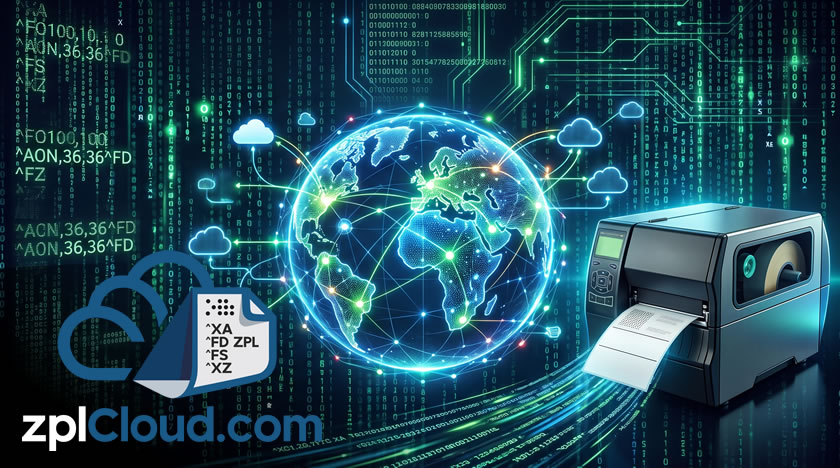
Today we switched zplcloud.com on for everyone. It is a label printing platform for Zebra printers and other ZPL-capable devices, built by a small team in Waldenbuch near Stuttgart.
We built it because we kept running into the same setup at customers: labels come out of an ERP, a shop system and a couple of spreadsheets, the printers sit in a warehouse behind a firewall, and in between there is a Windows print server that nobody wants to touch. Every template change means a ticket, every site has slightly different labels, and when the print spooler hangs, shipping stops.
Then there is the VPN madness: if you want labels printed directly at suppliers, contract manufacturers or logistics partners, you build a separate VPN tunnel to each of them. Every partner has a different firewall, different IP ranges, different security requirements and a different contact person. That costs firewall licences, staff and weeks of coordination, and the next time a supplier changes, you start all over again.
What you get today
- Designer - build labels in the browser with text, barcodes, QR codes, RFID, images and shapes. Output is plain ZPL. Preview as PNG, PDF or SVG, so you see the label the way the printer prints it.
- Converters - PDF, HTML, images and SVG to ZPL, and EPL2, DPL and TSPL to ZPL for mixed printer fleets.
- Printing - connect printers in three ways. Zebra Cloud Connect (Weblink): the printer dials out to us, no inbound ports. The zplCloud CLI as a print proxy for any network printer. Or the agent as a Docker container in your network.
- Print Views - small web pages for the shop floor. A colleague picks an order on a phone or scanner, presses print, done.
- Data - SQL Server, MongoDB, CSV batches, Kafka and Azure Service Bus streams, webhooks and a REST API with API keys.
- Templates and guides - ready-made labels for shipping, retail, warehouse and product marking, plus guides on ZPL commands, label sizes and printer setup.
The free plan is enough to design labels, run the converters and print on your own printer. Paid plans add batch printing, webhooks, push notifications and team features. Prices are final prices in euros including VAT; see the pricing page.
The same containers, in your own house
This is the part we care about most. zplcloud.com is not a service you can only rent from us. The whole platform is containerized: the web UI, the API, the renderer and the Weblink endpoint run in a single process on Azure Linux, about ~260 MB. You add a SQL Server, run docker compose up, and you have zplcloud on your own hardware. Kubernetes? Scaling - just say a word!
That gives you a choice instead of a lock-in we're Cloud Agnostic:
- Our SaaS - zplcloud.com itself runs in exactly those containers on servers in Germany. You sign up and get going; we take care of operations, backups and updates.
- Your private cloud or on-premises - the same image on Azure, AWS, Google Cloud, any other hosting provider of your choice, or in the server room next to the warehouse. Label data, printer traffic and database connections never leave your network. This is part of the Enterprise plan, and we help with the rollout.
- Mixed - design in the cloud, print through the agent container in your network. The agent is public on our registry, runs on a Raspberry Pi or a NAS, connects outbound only and speaks to your USB and network printers.
Because it is the same code everywhere, a template you build in the SaaS runs unchanged on-premises, and updates are a docker pull away.
Try it
Sign up, connect a printer with the setup guide in the docs, and print something. If a label comes out wrong, a converter chokes on your PDF or the API is missing a field you need, write to support@zplcloud.com. That kind of feedback is what shapes the next releases.
Thanks for reading, and welcome aboard.