



ZPL Guides
Learn ZPL - explained practically
From the basics to print control: commands, examples and tips for Zebra, CAB, Novexx and Avery - straight from the zplCloud world.
196 guides
9 categories
10 languages
No guide matches this filter.
Start here
Eight guides that cover the whole ZPL workflow - in reading order.
- 1 What is ZPL? – Structure, Units and the Basic Label ZPL Zebra Programming Language is the printer language used by Zebra and many other thermal label printers ZPL II emulation: CAB, Novexx, … . A label is a…
- 2 Label Size and Media – ^PW, ^LL, Gaps and Sensors Getting the label size right is the foundation of reliable printing.
- 3 Positioning and Text Formatting – ^FO, ^FT, ^FB, ^FR, ^FH ^FO50,50^FDLeft-aligned text^FS ; origin = top-left of the text
- 4 Fonts in ZPL – Resident, Downloaded and Image Text ZPL offers three font strategies. Which one fits depends on the font, the language Unicode? and the printer model.
- 5 Barcodes in ZPL – 1D and 2D Symbologies ZPL renders barcodes natively on the printer – no images required. The two most important commands are ^B barcode type and ^FD data . Barcode paramet…
- 6 QR Codes in ZPL QR codes are rendered natively with the ^BQ command. No external library needed – the printer computes the matrix.
- 7 Graphics in ZPL – GRF Images (^GF) Photos, logos and rendered text become monochrome bitmaps in ZPL with the ^GF command. zplCloud does this automatically image → GRF, SVG → GRF, HTML/P…
- 8 Print Control – Darkness (^MD), Speed (^PR), Cut (^MMC), Mirror (^PM) These commands control the physical print result. zplCloud exposes them in the Label settings dialog.
- Amazon FBA box label: 4 × 6 in shipment label with box ID barcode Every carton in an FBA shipment carries a box label generated by Seller Central. The label identifies the shipment, the box number and the destination fulfil…
- Amazon FBA labels: FNSKU, box and pallet labels explained Amazon Fulfillment FBA accepts inventory only when three kinds of labels are right: the FNSKU label on every unit, the FBA box label on every carto…
- Amazon FNSKU label: size, barcode and a ready-to-print ZPL template The FNSKU Fulfillment Network Stock Keeping Unit is the identifier Amazon uses to track your inventory inside its fulfillment centers. Every unit that is n…
- Why Amazon rejects labels - and how to check a ZPL label before printing An FBA shipment that arrives with bad labels is not simply refused; Amazon relabels the units at your cost, marks the shipment as a problem and, on repeat, r…
- Amazon pallet label: LTL/FTL shipments, SSCC and GS1-128 in ZPL Pallets going to Amazon by LTL or FTL carrier need four pallet labels - one per side - in addition to the box labels on every carton. Sellers get the pallet …
-
^AScalable/Bitmapped Font -
^A@Use Font Name to Call Font -
^A0Scalable Font 0 (CG Triumvirate) -
^B0Aztec Bar Code -
^B1Code 11 Bar Code -
^B2Interleaved 2 of 5 Bar Code -
^B3Code 39 Bar Code -
^B4Code 49 Bar Code -
^B5Planet Code Bar Code -
^B7PDF417 Bar Code -
^B8EAN-8 Bar Code -
^B9UPC-E Bar Code -
^BACode 93 Bar Code -
^BBCodablock Bar Code -
^BCCode 128 Bar Code (Subsets A, B and C) -
^BDUPS MaxiCode Bar Code -
^BEEAN-13 Bar Code -
^BFMicroPDF417 Bar Code -
^BIIndustrial 2 of 5 Bar Code -
^BJStandard 2 of 5 Bar Code -
^BKANSI Codabar Bar Code -
^BLLOGMARS Bar Code -
^BMMSI Bar Code -
^BOAztec Bar Code Parameters -
^BPPlessey Bar Code -
^BQQR Code Bar Code -
^BRGS1 DataBar Bar Code -
^BSUPC/EAN Extensions Bar Code -
^BTTLC39 Bar Code -
^BUUPC-A Bar Code -
^BXData Matrix Bar Code -
^BYBar Code Field Default -
^BZPOSTAL Bar Code -
^CCChange Caret -
^CDChange Delimiter -
^CFChange Alphanumeric Default Font -
^CIChange International Font/Encoding -
^CNCut Now -
^COCache On -
^CPRemove Label -
^CTChange Tilde -
~CTChange Tilde (Host) -
^CWFont Identifier -
~DBDownload Bitmap Font -
^DFDownload Format -
~DGDownload Graphics -
~DUDownload Unbounded TrueType Font -
~DYDownload Objects -
^EFErase Stored Formats -
^EGErase Download Graphics -
^FBField Block -
^FCField Clock -
^FDField Data -
^FEField Concatenation -
^FHField Hexadecimal Indicator -
^FLFont Linking -
^FMMultiple Field Origin Locations -
^FNField Number -
^FOField Origin -
^FPField Parameter -
^FRField Reverse Print -
^FSField Separator -
^FTField Typeset -
^FVField Variable -
^FWField Orientation -
^FXComment -
^GBGraphic Box -
^GCGraphic Circle -
^GDGraphic Diagonal Line -
^GEGraphic Ellipse -
^GFGraphic Field -
^GF with :Z64Compressed Graphic Data -
^GSGraphic Symbol -
~HBBattery Status -
~HDHead Diagnostic -
~HIHost Identification -
~HMHost RAM Status -
~HQHost Query -
~HSHost Status Return -
^IDObject Delete -
^ILImage Load -
^IMImage Move -
^ISImage Save -
~JACancel All -
~JBReset Optional Memory -
~JCSet Media Sensor Calibration -
~JGGraphing Sensor Calibration -
~JLSet Label Length -
^JMSet Dots per Millimeter -
~JPPause and Cancel Format -
~JRPower On Reset -
~JSChange Backfeed Sequence -
^JUConfiguration Update -
^JWSet Ribbon Tension -
^JZReprint After Error -
^KDSelect Date and Time Format -
^KLDefine Language -
^LHLabel Home -
^LLLabel Length -
^LRLabel Reverse Print -
^LSLabel Shift -
^LTLabel Top -
^MCMap Clear -
^MDMedia Darkness -
^MMPrint Mode -
^MNMedia Tracking -
^MTMedia Type -
^MUSet Units of Measurement -
^PAAdvanced Text Properties -
^PFSlew Given Number of Dot Rows -
~PLPresent Length Addition -
^PMPrinting Mirror Image of Label -
^PNPresent Now -
^POPrint Orientation -
^PPProgrammable Pause -
^PQPrint Quantity -
^PRPrint Rate -
~PRApplicator Reprint -
~PSResume Printing (Print Start) -
^PWPrint Width -
^RFRead or Write RFID Format -
^RQQuick Write EPC Data and Passwords -
~SDSet Darkness -
^SFSerialization Field -
^SNSerialization Data -
^SPStart Print -
~TATear-off Adjust Position -
^TBText Blocks -
^TOTransfer Object -
~WCPrint Configuration Label -
^WFEncode AFI or DSFID Byte -
~WQWrite Query -
^WTWrite (Encode) Tag -
^XAStart Format -
^XBSuppress Backfeed -
^XFRecall Format -
^XGRecall Graphic -
^XZEnd Format -
^ZZPrinter Sleep
- Zebra GK420d: ZPL guide The Zebra GK420d is a desktop printer. Here you will find the key specifications and a ready-to-use ZPL example.
- Zebra GX430t: ZPL guide The Zebra GX430t is a desktop printer. Here you will find the key specifications and a ready-to-use ZPL example.
-
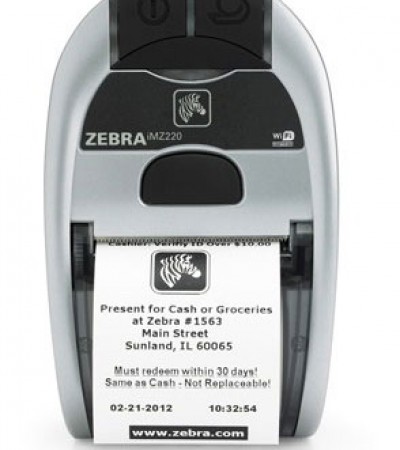 Zebra iMZ220: ZPL guide
The Zebra iMZ220 is a mobile printer. Here you will find the key specifications and a ready-to-use ZPL example.
Zebra iMZ220: ZPL guide
The Zebra iMZ220 is a mobile printer. Here you will find the key specifications and a ready-to-use ZPL example.
-
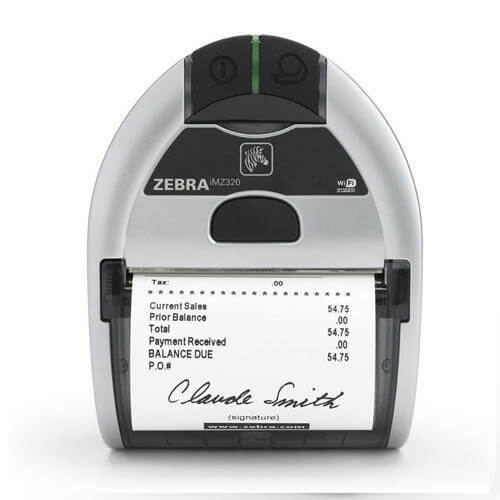 Zebra iMZ320: ZPL guide
The Zebra iMZ320 is a mobile printer. Here you will find the key specifications and a ready-to-use ZPL example.
Zebra iMZ320: ZPL guide
The Zebra iMZ320 is a mobile printer. Here you will find the key specifications and a ready-to-use ZPL example.
-
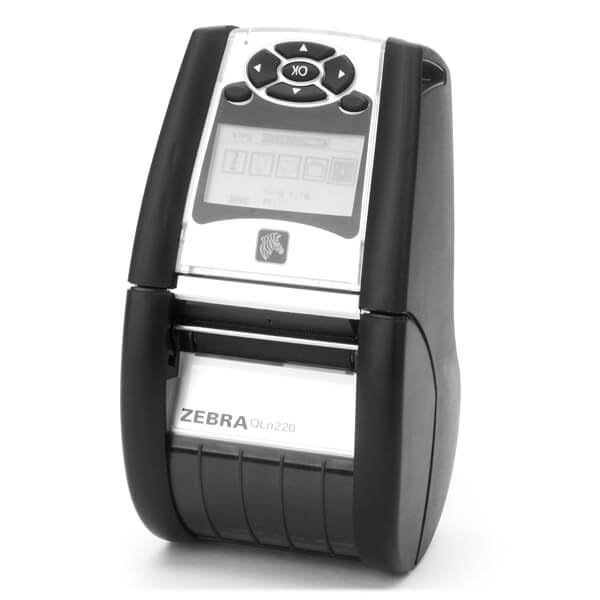 Zebra QLn220: ZPL guide
The Zebra QLn220 is a mobile printer. Here you will find the key specifications and a ready-to-use ZPL example.
Zebra QLn220: ZPL guide
The Zebra QLn220 is a mobile printer. Here you will find the key specifications and a ready-to-use ZPL example.
-
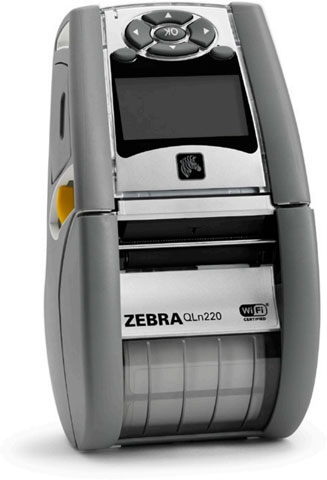 Zebra QLn220 Health: ZPL guide
The Zebra QLn220 Health is a mobile printer. Here you will find the key specifications and a ready-to-use ZPL example. Healthcare edition with antimicrobial …
Zebra QLn220 Health: ZPL guide
The Zebra QLn220 Health is a mobile printer. Here you will find the key specifications and a ready-to-use ZPL example. Healthcare edition with antimicrobial …
-
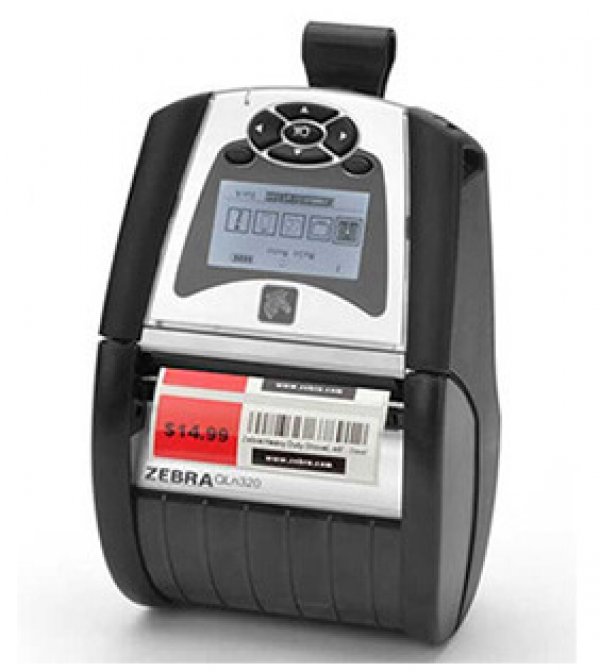 Zebra QLn320: ZPL guide
The Zebra QLn320 is a mobile printer. Here you will find the key specifications and a ready-to-use ZPL example.
Zebra QLn320: ZPL guide
The Zebra QLn320 is a mobile printer. Here you will find the key specifications and a ready-to-use ZPL example.
-
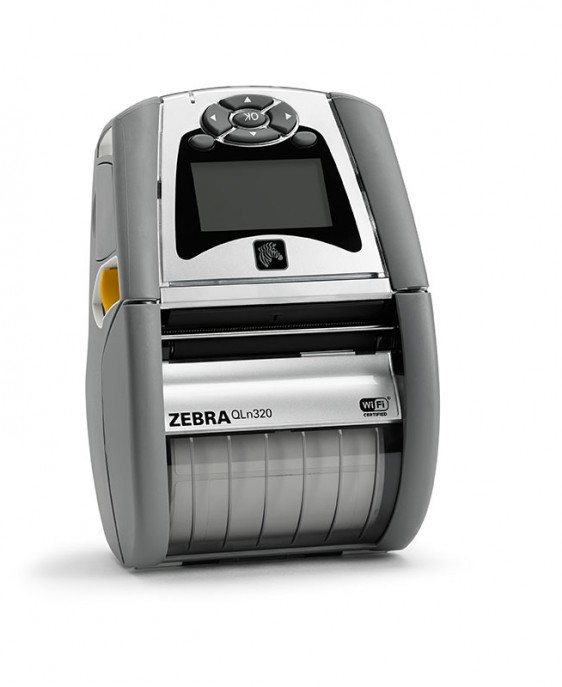 Zebra QLn320 Health: ZPL guide
The Zebra QLn320 Health is a mobile printer. Here you will find the key specifications and a ready-to-use ZPL example. Healthcare edition with antimicrobial …
Zebra QLn320 Health: ZPL guide
The Zebra QLn320 Health is a mobile printer. Here you will find the key specifications and a ready-to-use ZPL example. Healthcare edition with antimicrobial …
-
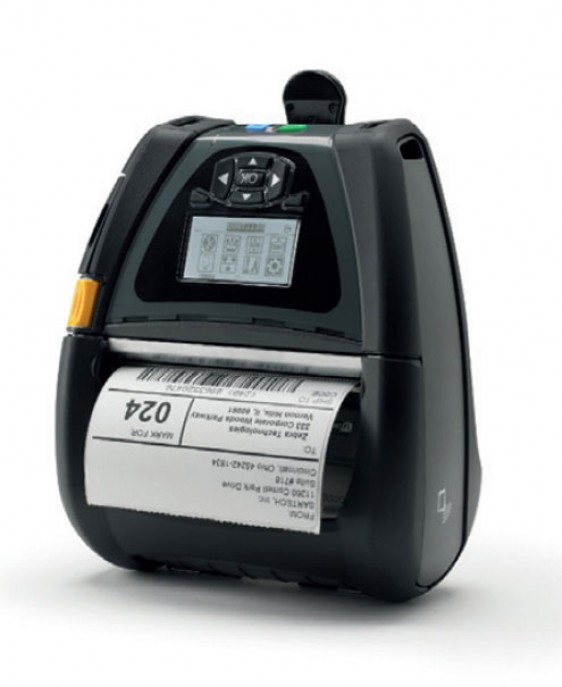 Zebra QLn420: ZPL guide
The Zebra QLn420 is a mobile printer. Here you will find the key specifications and a ready-to-use ZPL example.
Zebra QLn420: ZPL guide
The Zebra QLn420 is a mobile printer. Here you will find the key specifications and a ready-to-use ZPL example.
-
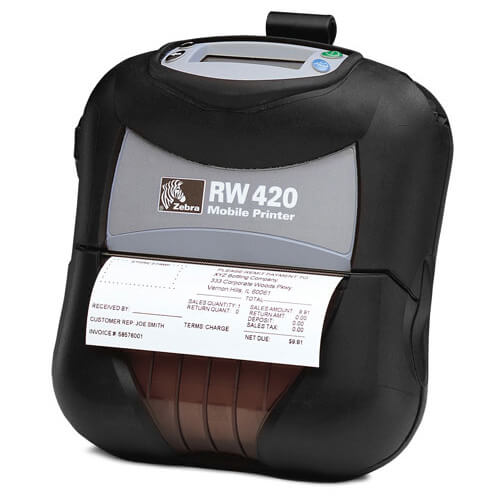 Zebra RW420: ZPL guide
The Zebra RW420 is a mobile printer. Here you will find the key specifications and a ready-to-use ZPL example.
Zebra RW420: ZPL guide
The Zebra RW420 is a mobile printer. Here you will find the key specifications and a ready-to-use ZPL example.
- Zebra ZD230: ZPL guide The Zebra ZD230 is a desktop printer. Here you will find the key specifications and a ready-to-use ZPL example.
-
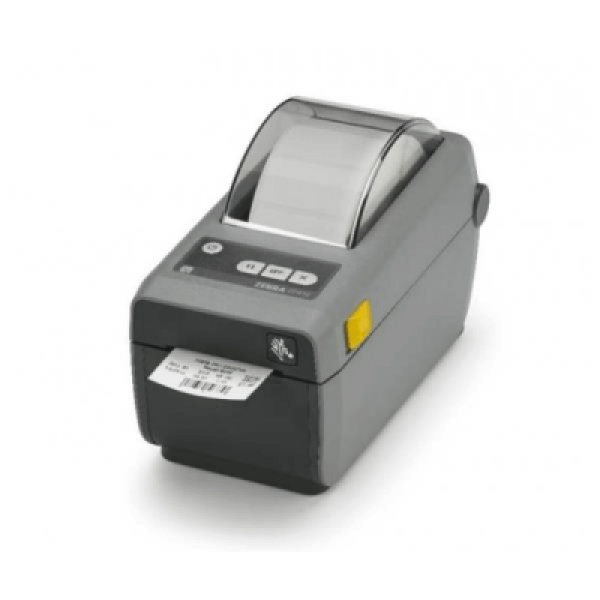 Zebra ZD410: ZPL guide
The Zebra ZD410 is a desktop printer. Here you will find the key specifications and a ready-to-use ZPL example.
Zebra ZD410: ZPL guide
The Zebra ZD410 is a desktop printer. Here you will find the key specifications and a ready-to-use ZPL example.
- Zebra ZD420: ZPL guide The Zebra ZD420 is a desktop printer. Here you will find the key specifications and a ready-to-use ZPL example.
-
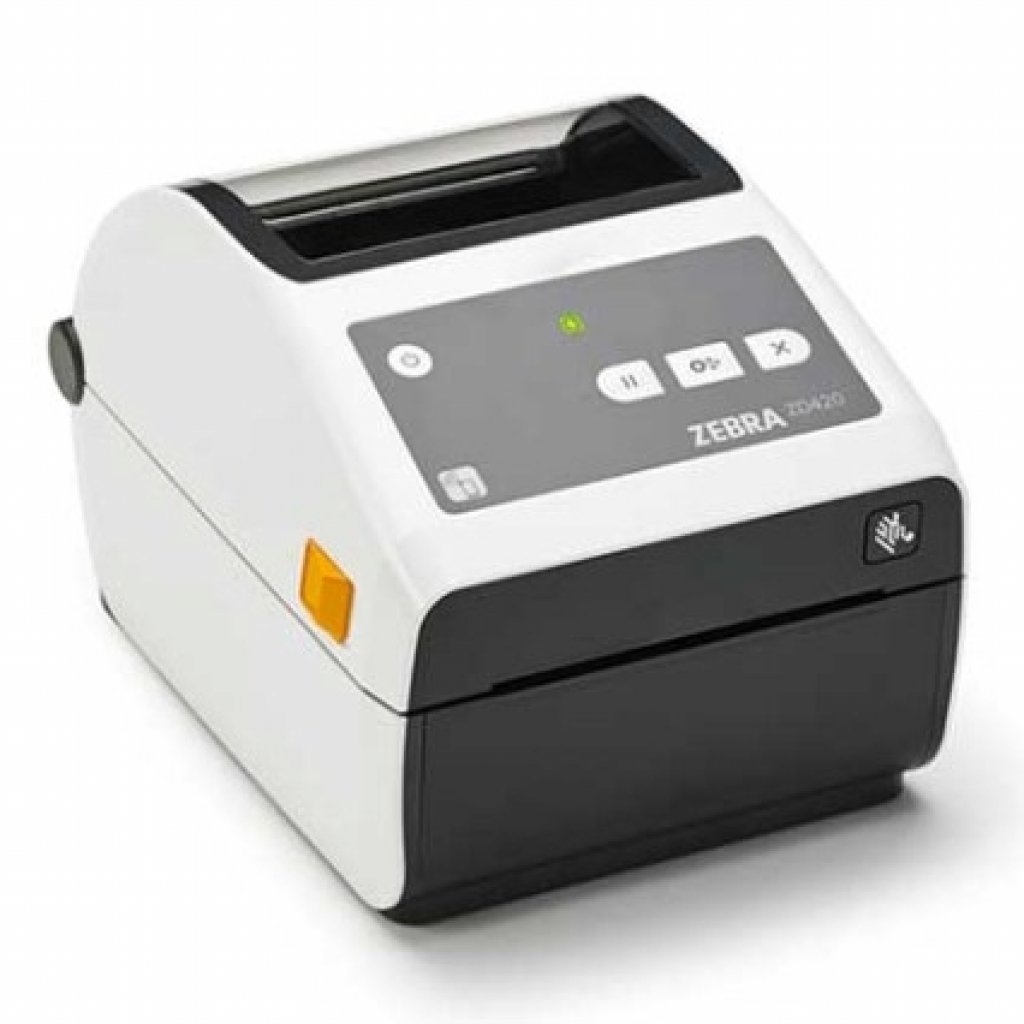 Zebra ZD420 Health: ZPL guide
The Zebra ZD420 Health is a desktop printer. Here you will find the key specifications and a ready-to-use ZPL example. Healthcare edition of the ZD420 with a…
Zebra ZD420 Health: ZPL guide
The Zebra ZD420 Health is a desktop printer. Here you will find the key specifications and a ready-to-use ZPL example. Healthcare edition of the ZD420 with a…
-
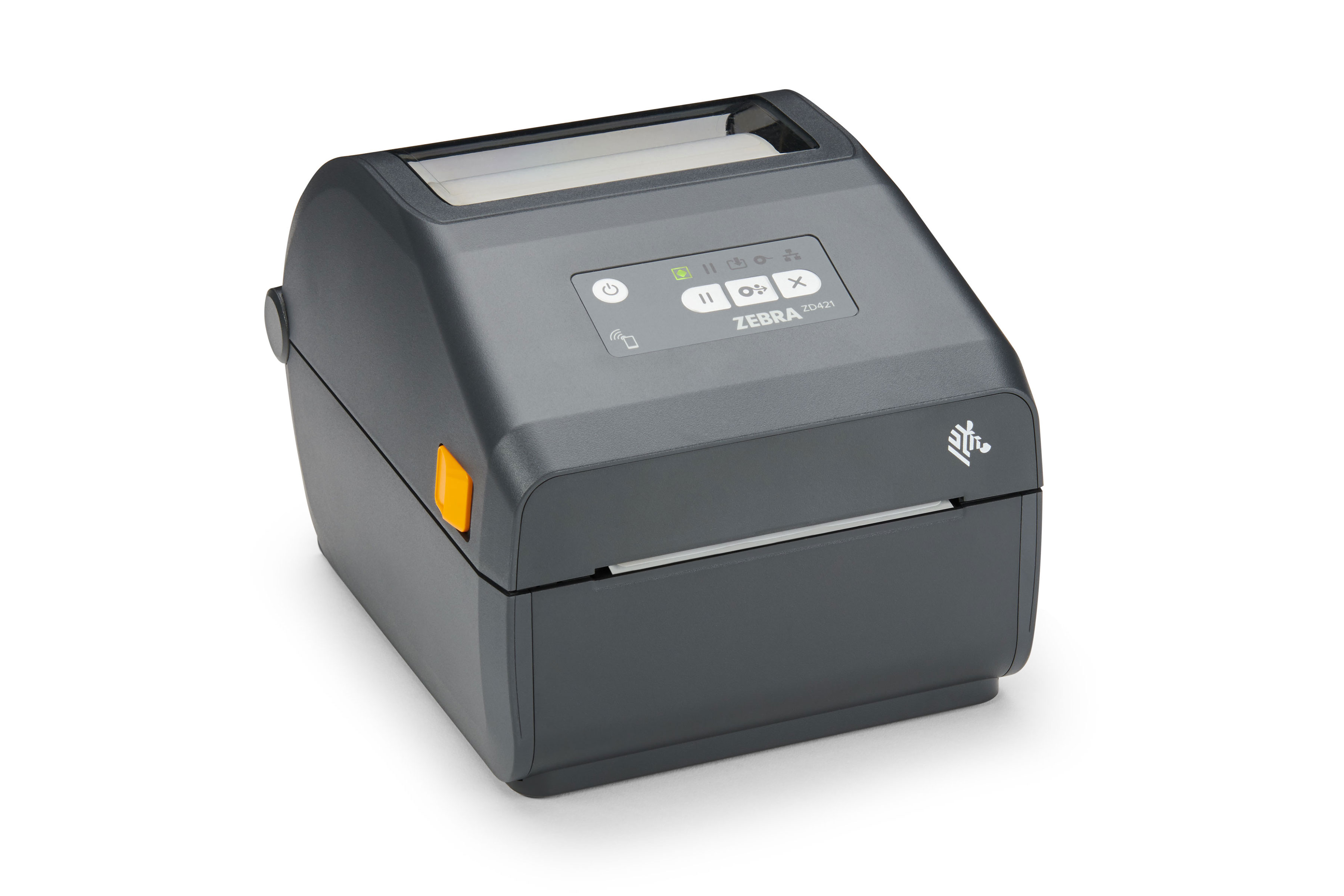 Zebra ZD421: ZPL guide
The Zebra ZD421 is a desktop printer. Here you will find the key specifications and a ready-to-use ZPL example.
Zebra ZD421: ZPL guide
The Zebra ZD421 is a desktop printer. Here you will find the key specifications and a ready-to-use ZPL example.
-
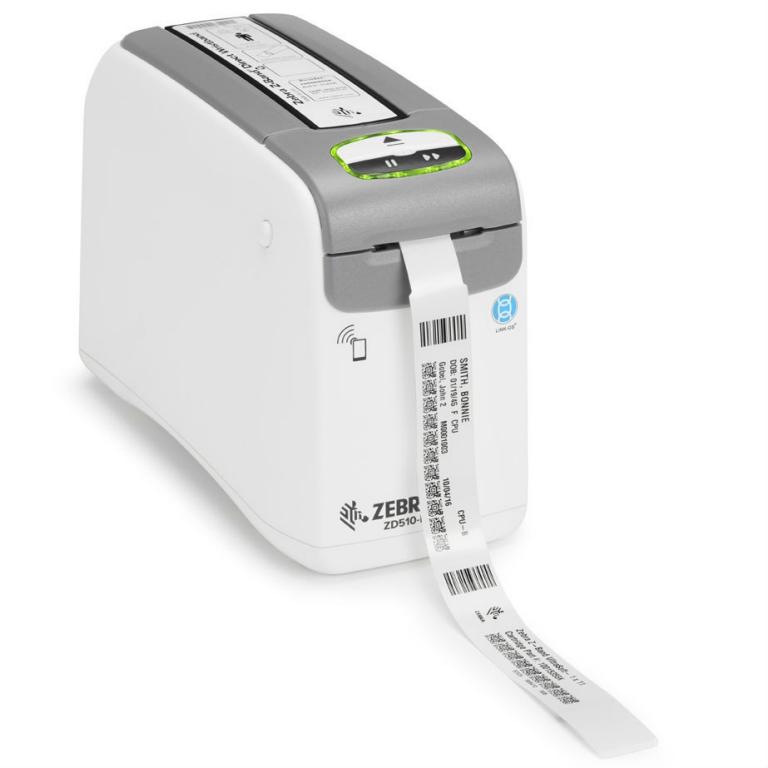 Zebra ZD510 Health: ZPL guide
The Zebra ZD510 Health is a desktop printer. Here you will find the key specifications and a ready-to-use ZPL example. Healthcare edition of the ZD510 with a…
Zebra ZD510 Health: ZPL guide
The Zebra ZD510 Health is a desktop printer. Here you will find the key specifications and a ready-to-use ZPL example. Healthcare edition of the ZD510 with a…
-
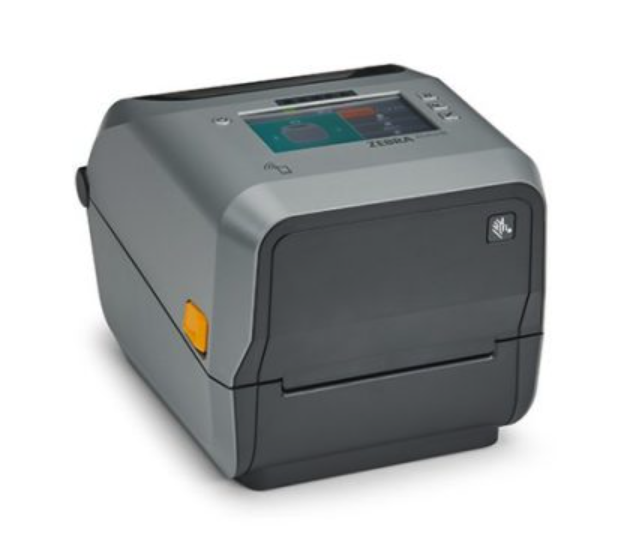 Zebra ZD620: ZPL guide
The Zebra ZD620 is a desktop printer. Here you will find the key specifications and a ready-to-use ZPL example.
Zebra ZD620: ZPL guide
The Zebra ZD620 is a desktop printer. Here you will find the key specifications and a ready-to-use ZPL example.
-
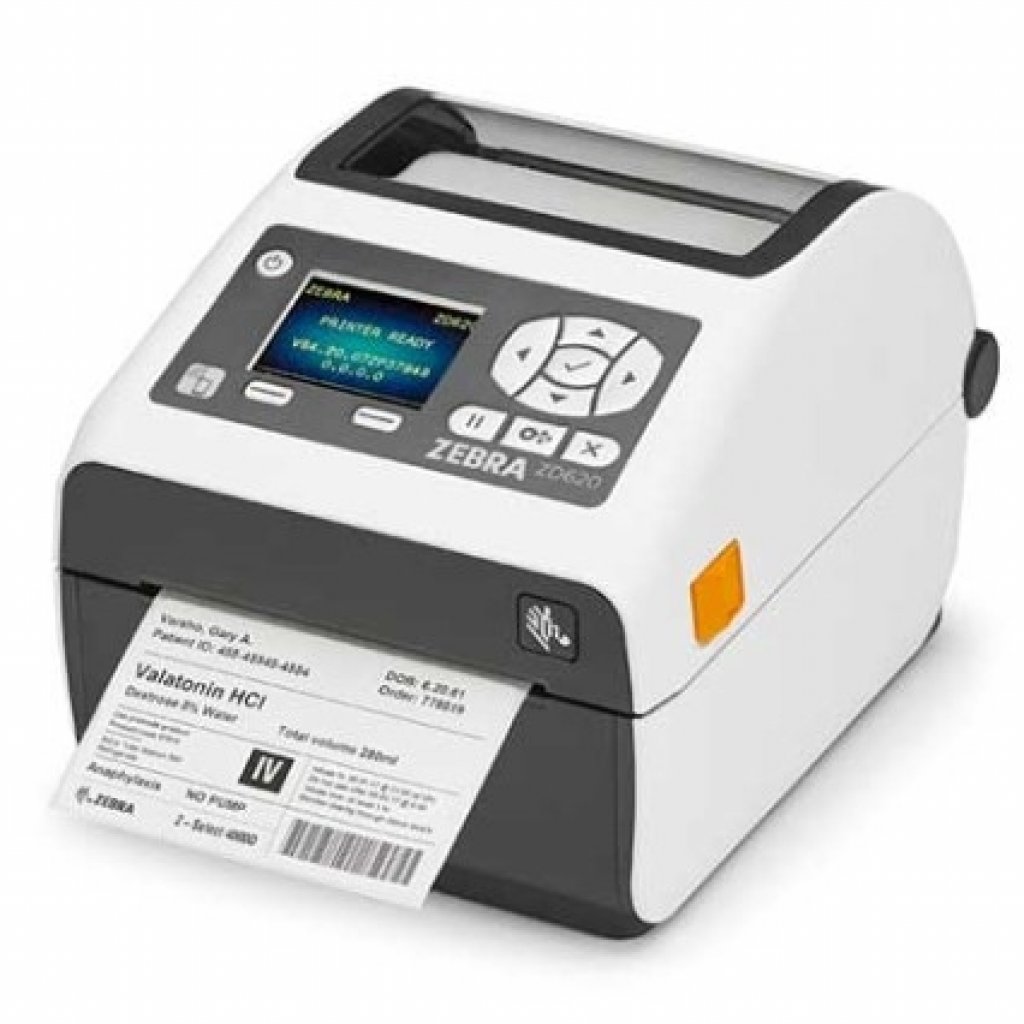 Zebra ZD620 Health: ZPL guide
The Zebra ZD620 Health is a desktop printer. Here you will find the key specifications and a ready-to-use ZPL example. Healthcare edition of the ZD620 with a…
Zebra ZD620 Health: ZPL guide
The Zebra ZD620 Health is a desktop printer. Here you will find the key specifications and a ready-to-use ZPL example. Healthcare edition of the ZD620 with a…
- Zebra ZD621: ZPL guide The Zebra ZD621 is a desktop printer. Here you will find the key specifications and a ready-to-use ZPL example.
- Zebra ZD888: ZPL guide The Zebra ZD888 is a desktop printer. Here you will find the key specifications and a ready-to-use ZPL example.
-
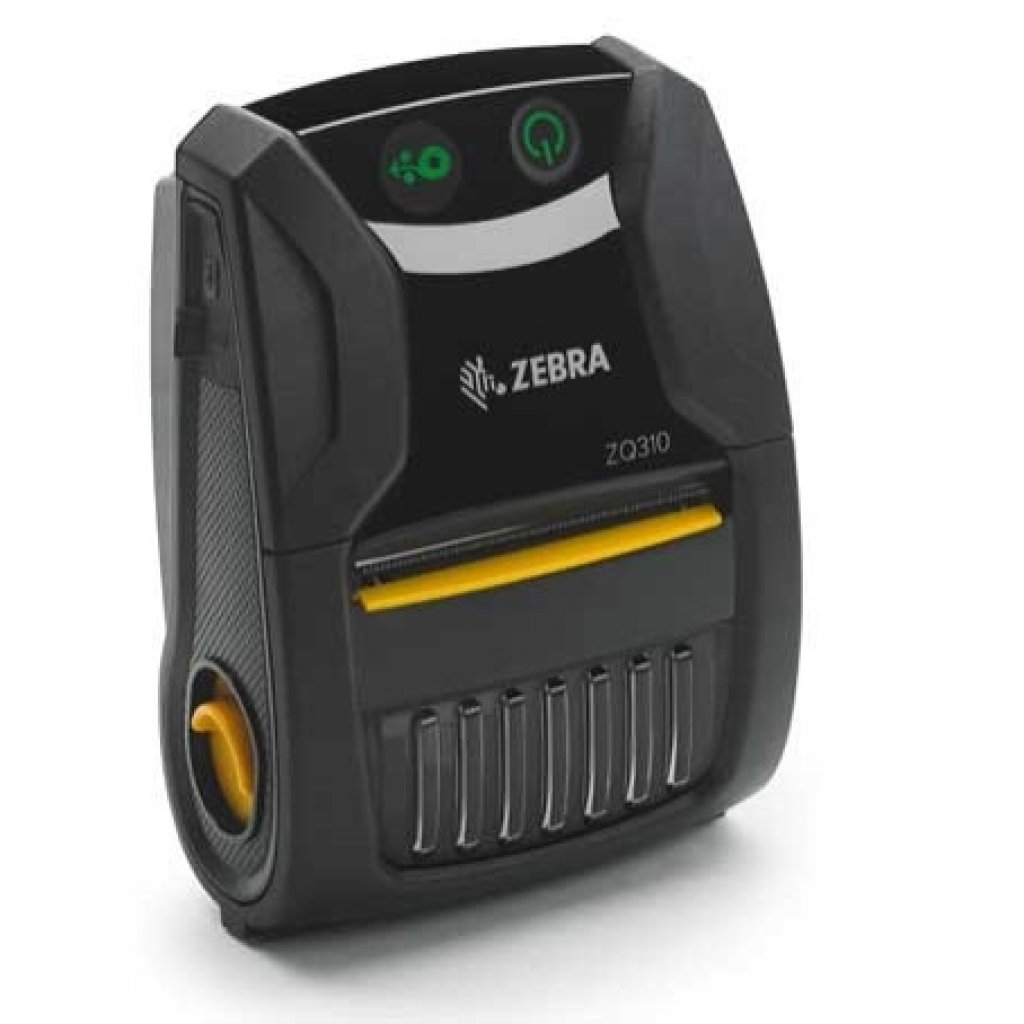 Zebra ZQ310: ZPL guide
The Zebra ZQ310 is a mobile printer. Here you will find the key specifications and a ready-to-use ZPL example.
Zebra ZQ310: ZPL guide
The Zebra ZQ310 is a mobile printer. Here you will find the key specifications and a ready-to-use ZPL example.
-
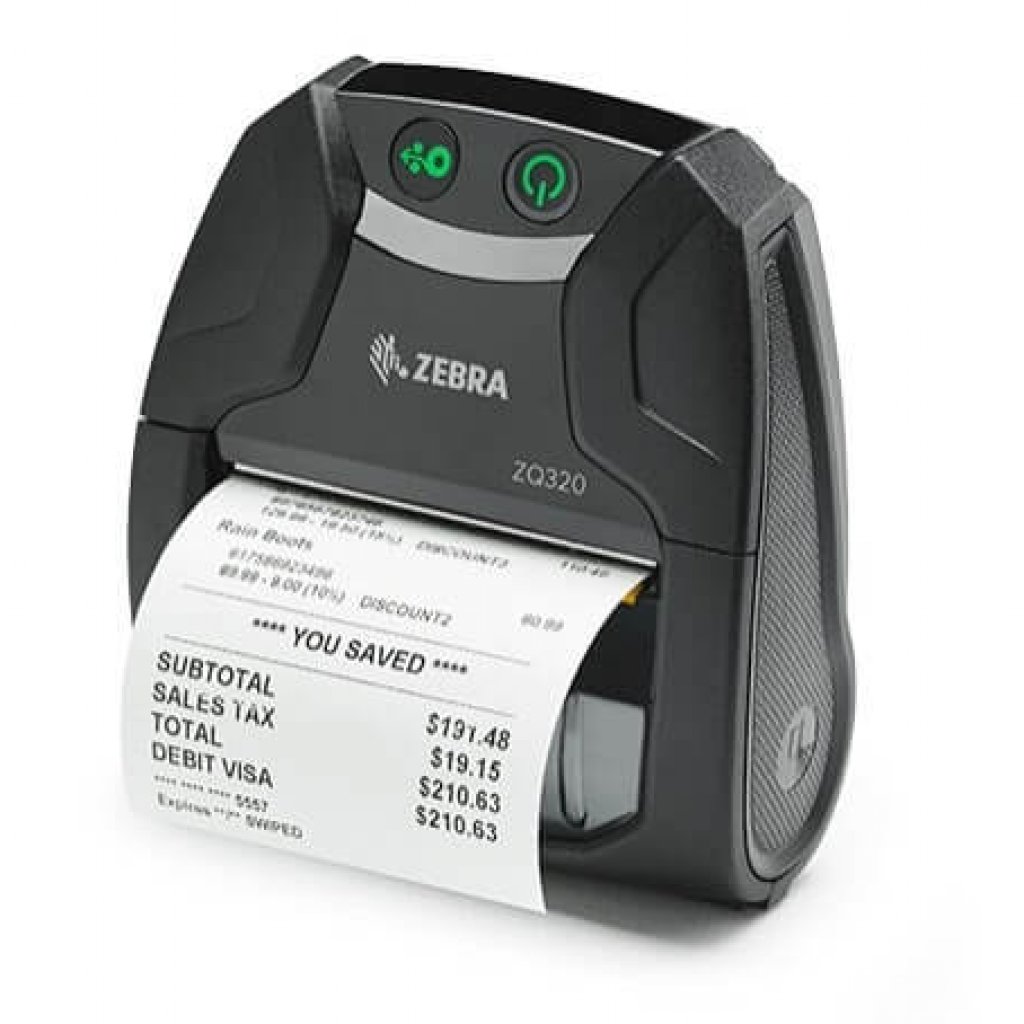 Zebra ZQ320: ZPL guide
The Zebra ZQ320 is a mobile printer. Here you will find the key specifications and a ready-to-use ZPL example.
Zebra ZQ320: ZPL guide
The Zebra ZQ320 is a mobile printer. Here you will find the key specifications and a ready-to-use ZPL example.
-
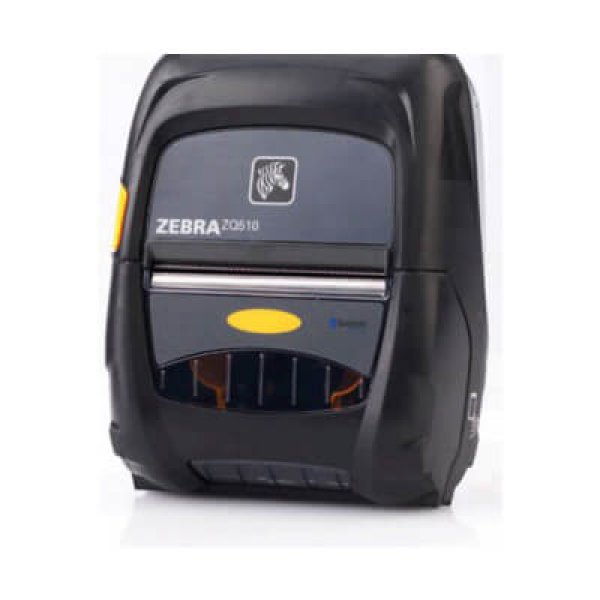 Zebra ZQ510: ZPL guide
The Zebra ZQ510 is a mobile printer. Here you will find the key specifications and a ready-to-use ZPL example.
Zebra ZQ510: ZPL guide
The Zebra ZQ510 is a mobile printer. Here you will find the key specifications and a ready-to-use ZPL example.
-
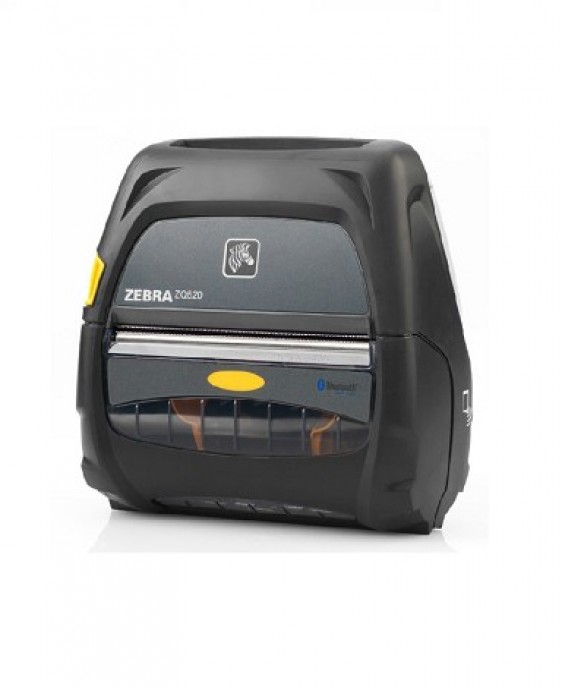 Zebra ZQ520: ZPL guide
The Zebra ZQ520 is a mobile printer. Here you will find the key specifications and a ready-to-use ZPL example.
Zebra ZQ520: ZPL guide
The Zebra ZQ520 is a mobile printer. Here you will find the key specifications and a ready-to-use ZPL example.
-
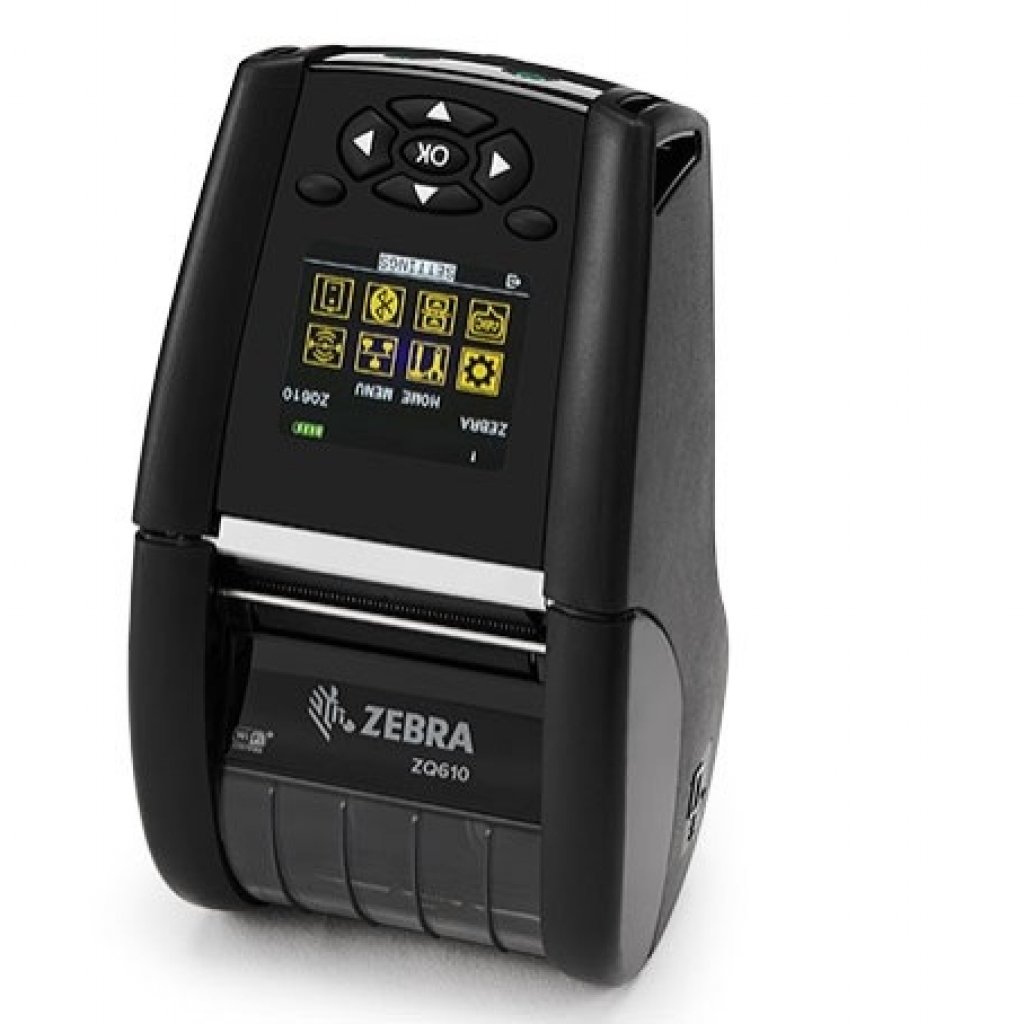 Zebra ZQ610: ZPL guide
The Zebra ZQ610 is a mobile printer. Here you will find the key specifications and a ready-to-use ZPL example.
Zebra ZQ610: ZPL guide
The Zebra ZQ610 is a mobile printer. Here you will find the key specifications and a ready-to-use ZPL example.
-
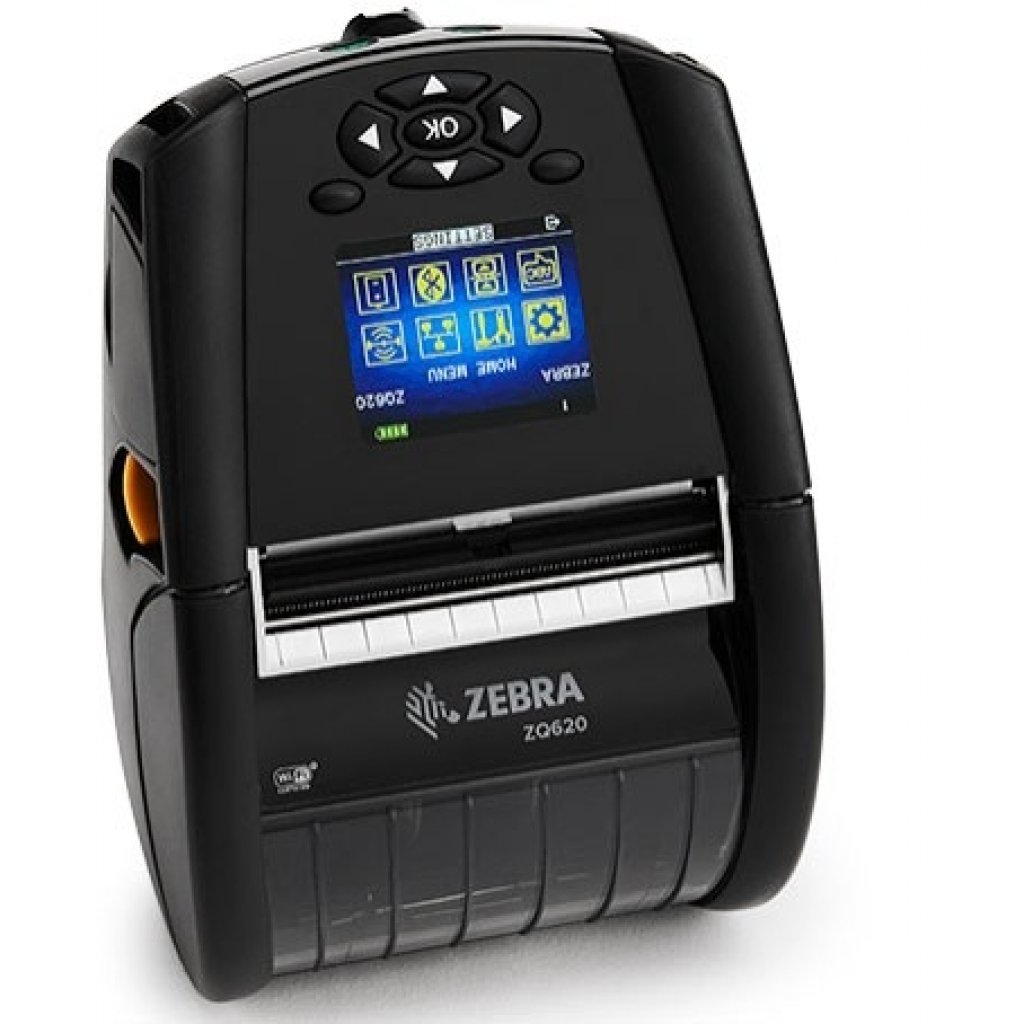 Zebra ZQ620: ZPL guide
The Zebra ZQ620 is a mobile printer. Here you will find the key specifications and a ready-to-use ZPL example.
Zebra ZQ620: ZPL guide
The Zebra ZQ620 is a mobile printer. Here you will find the key specifications and a ready-to-use ZPL example.
-
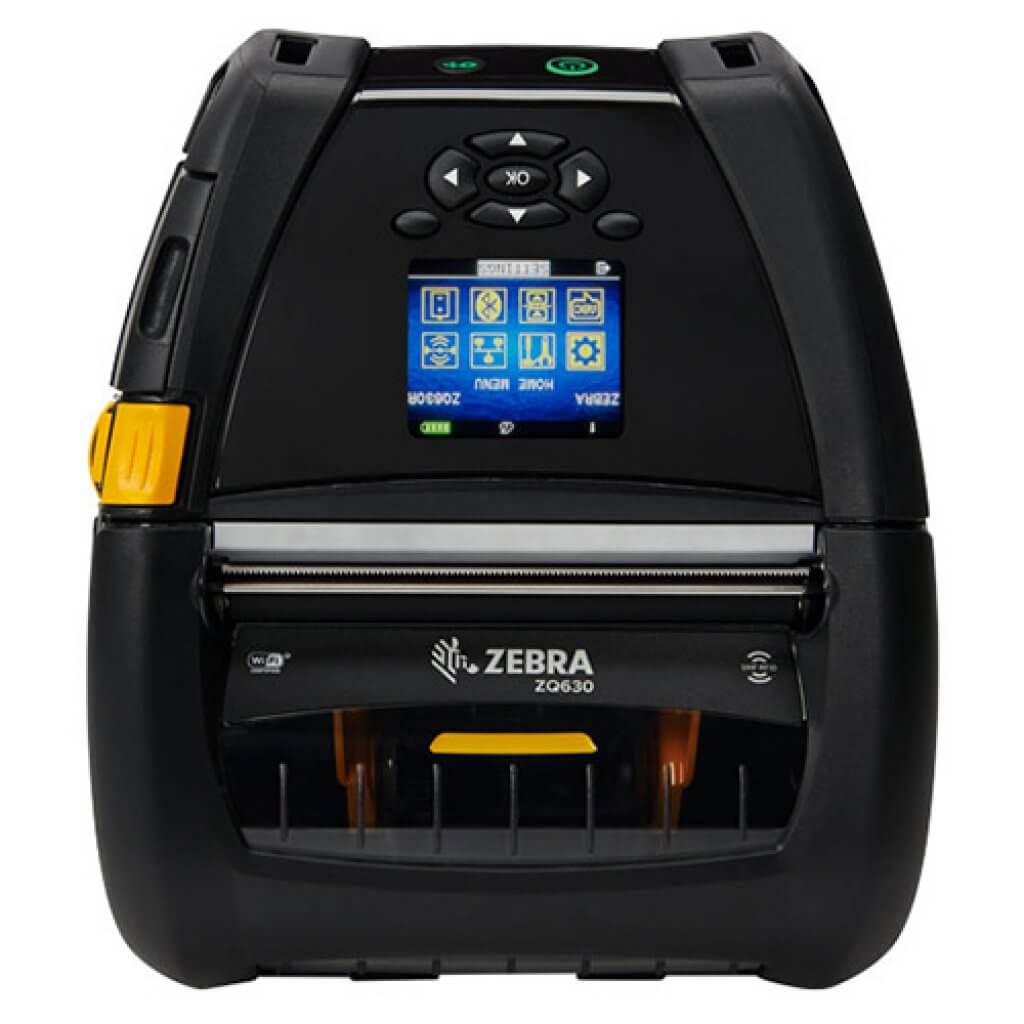 Zebra ZQ630: ZPL guide
The Zebra ZQ630 is a mobile printer. Here you will find the key specifications and a ready-to-use ZPL example.
Zebra ZQ630: ZPL guide
The Zebra ZQ630 is a mobile printer. Here you will find the key specifications and a ready-to-use ZPL example.
-
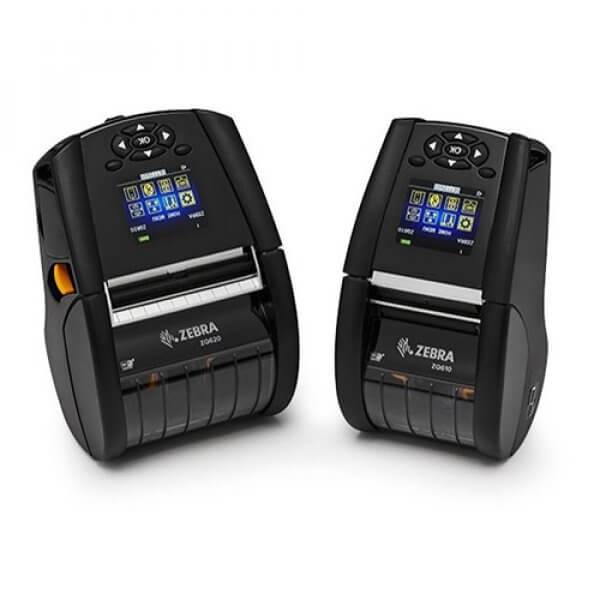 Zebra ZQ630R: ZPL guide
The Zebra ZQ630R is a mobile printer. Here you will find the key specifications and a ready-to-use ZPL example. RFID version of the ZQ630 with a built-in UHF…
Zebra ZQ630R: ZPL guide
The Zebra ZQ630R is a mobile printer. Here you will find the key specifications and a ready-to-use ZPL example. RFID version of the ZQ630 with a built-in UHF…
- Zebra ZT230: ZPL guide The Zebra ZT230 is an industrial printer. Here you will find the key specifications and a ready-to-use ZPL example.
-
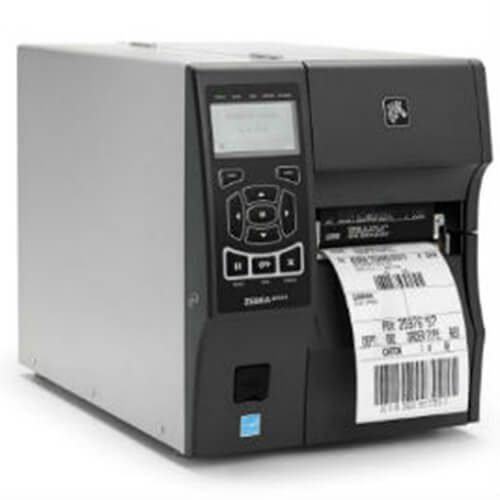 Zebra ZT410: ZPL guide
The Zebra ZT410 is an industrial printer. Here you will find the key specifications and a ready-to-use ZPL example.
Zebra ZT410: ZPL guide
The Zebra ZT410 is an industrial printer. Here you will find the key specifications and a ready-to-use ZPL example.
-
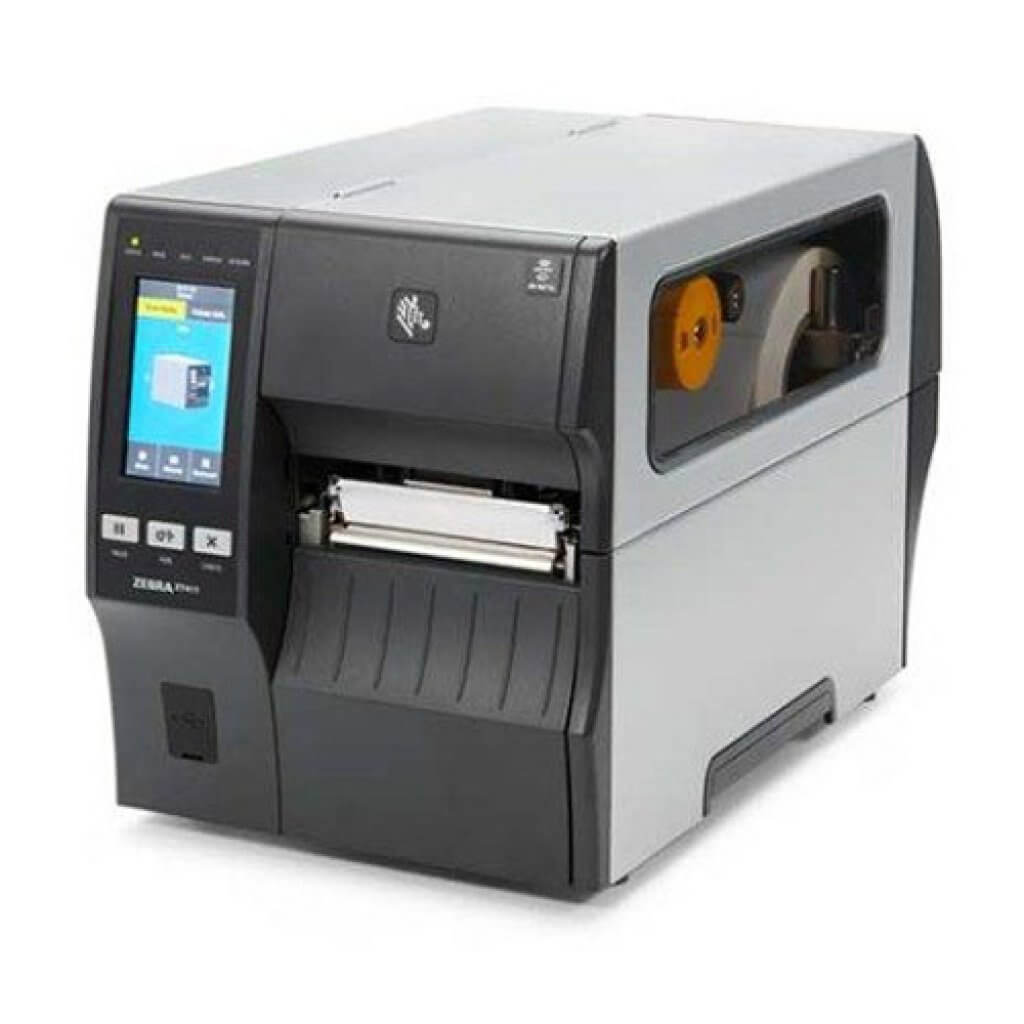 Zebra ZT411: ZPL guide
The Zebra ZT411 is an industrial printer. Here you will find the key specifications and a ready-to-use ZPL example.
Zebra ZT411: ZPL guide
The Zebra ZT411 is an industrial printer. Here you will find the key specifications and a ready-to-use ZPL example.
-
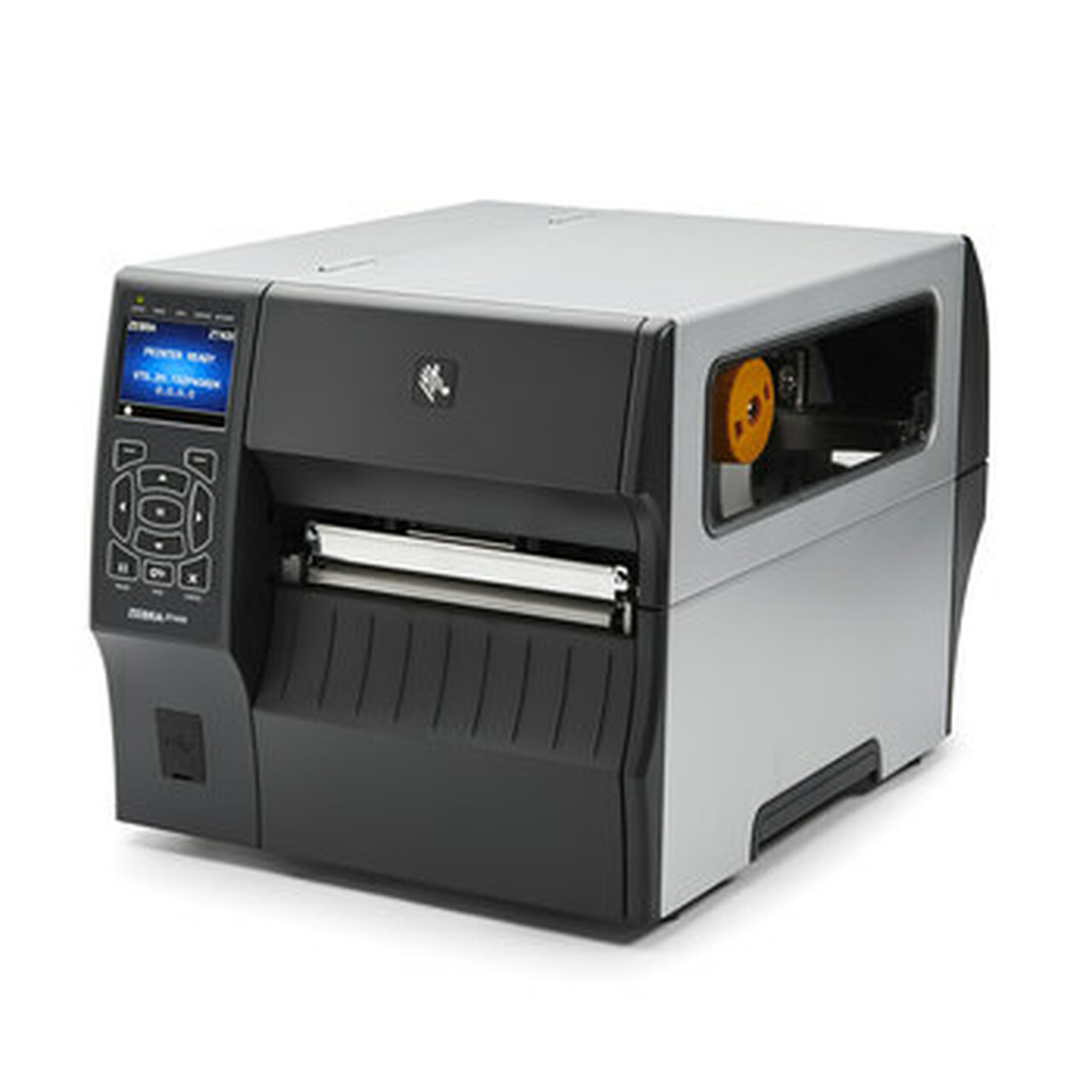 Zebra ZT420: ZPL guide
The Zebra ZT420 is an industrial printer. Here you will find the key specifications and a ready-to-use ZPL example.
Zebra ZT420: ZPL guide
The Zebra ZT420 is an industrial printer. Here you will find the key specifications and a ready-to-use ZPL example.
- MQTT label printing: every broker message becomes a label On a factory floor almost everything already hangs off the MQTT broker: scales, scanners, PLCs, sensors. Turning that into labels normally means writing a sm…
- PostgreSQL as a label data source: one query, thousands of labels The article master data lives in PostgreSQL and the labels should come out of it. The usual route is a CSV export that is already stale the moment it finishe…
- Printing ZPL from S3 or Azure Blob - and archiving printed labels there Object storage is where print files already live: carrier labels from the shipping provider, pre-rendered batches from the ERP, archives kept for retention r…